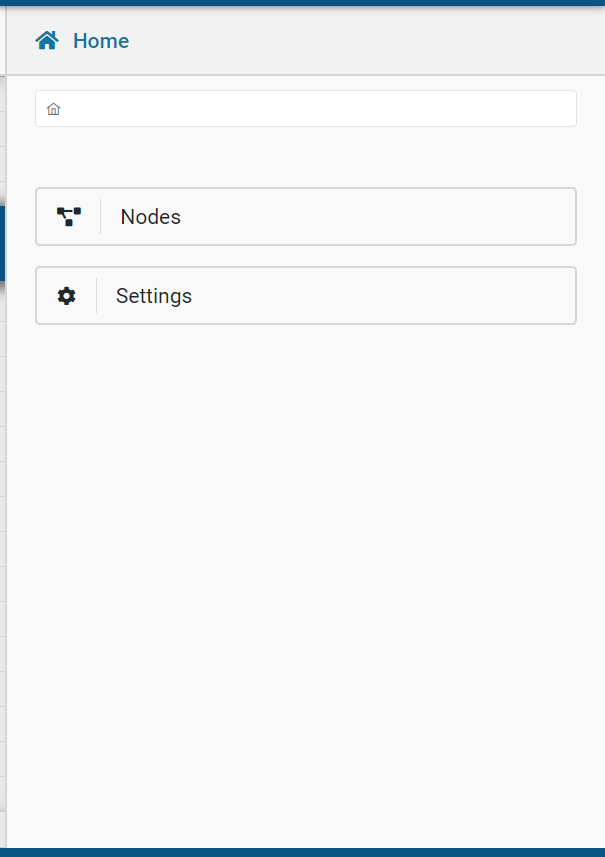
The Help tab to the right of the canvas can be clicked to expand the Help pane.
This pane will provide settings and node documentation within EUclid Studio itself.
While you can navigate manually within this pane, the displayed documentation will also dynamically update based on context; i.e., opening a node dialog will navigate to the pertinent documentation.