Orchestration
Last updated: 09 Jan 2023
To create or edit a run profile, click on the Active Run Profile edit button in the top menu bar.
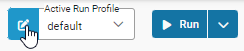
Active Run Profile
All ad hoc runs are executed using the Active Run Profile.
It is displayed on the menu bar.

Run Profiles
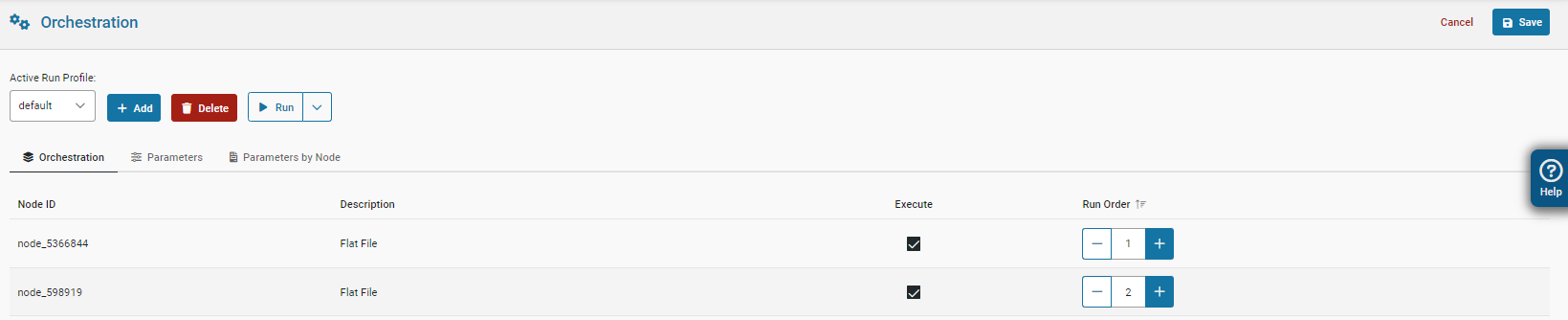
Run Profile Orchestration
The Run Profile interface allows for interactive execution of flows.
When run interactively, the node or run profile executes immediately, and no other actions are possible before it ends.
Running a Run Profile
To execute a Run Profile:
- Navigate to
Active Run Profile, - Select your a profile from the dropdown list,
- Click the
Runbutton,