Data Connections
Last updated: 05 May 2023
Loading Data from Data Connections
Before configuring/using a:
- Database node
- Planning Analytics node
- Anaplan node
you first need to create a Data Connection.
To configure a connection, click on Data Connections in the Connections menu.
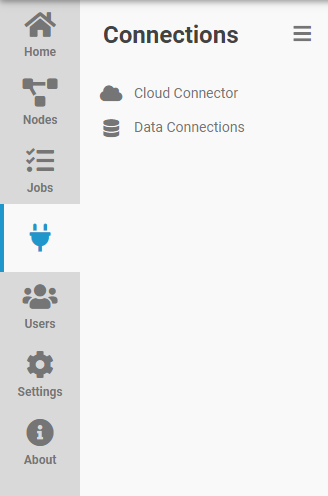
You can also click on Connections in the top menu bar.

Creating a New Data Connection
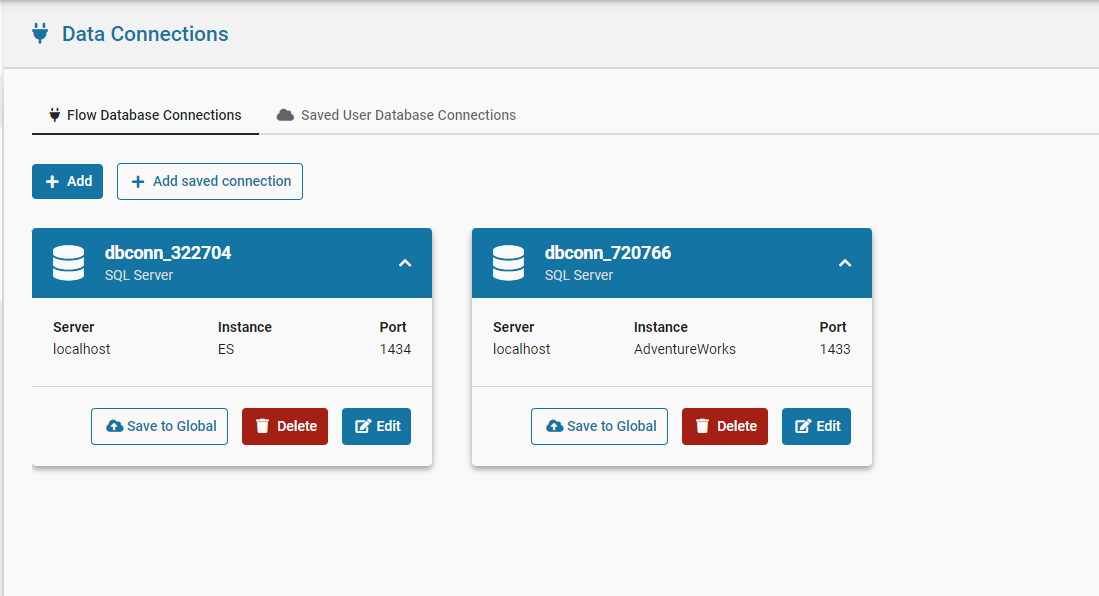
In the Data Connections window, a new connection can be added by clicking Add.
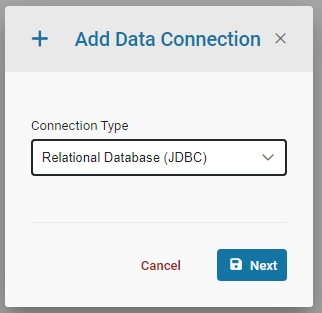
This will bring up the Add Data Connection dialog. Select the type of data connection to be created, and then click Next. This will bring up the Edit Data Connection dialog.
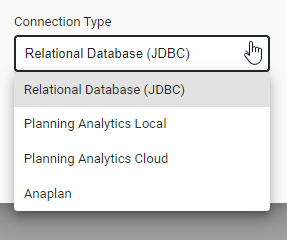
The currently support types of Data Connections are Relational Database, Planning Analytics Local, Planning Analytics Cloud, Pigment, and Anaplan.
The Test Connection button can be used to test the newly created connection.
Any nodes that require a Data Connection can now use this newly created connection.
Creating a Database Connection
DataWORQ uses JDBC connection protocol. DataWORQ can connect to any database that supports JDBC.
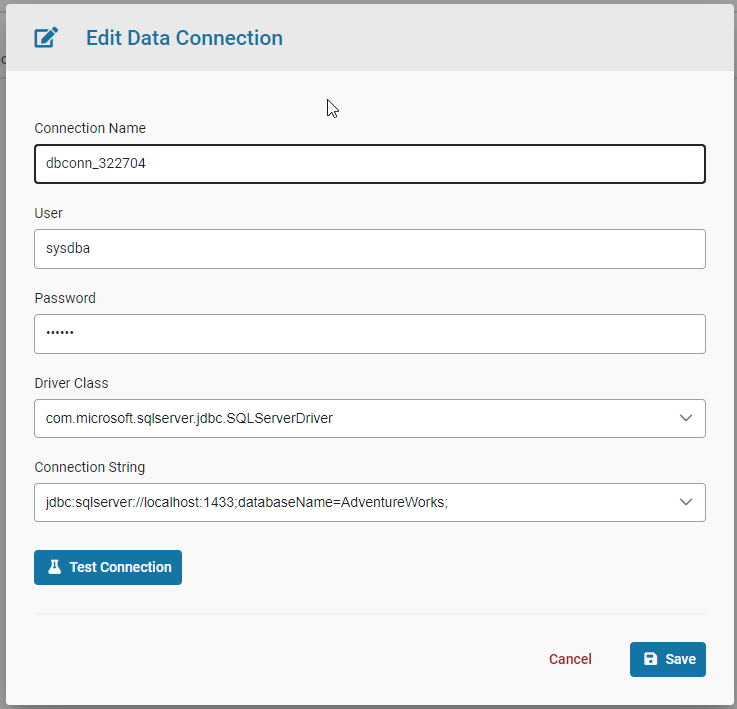
These are the required settings: