Cloud Connector
Last updated: 14 Aug 2023
General
The Cloud Connector can be used to call a flow from a TI Process to a DataWORQ instance if that DataWORQ instance is made publicly available via the Cloud Connector.
Configuration
To configure the cloud connector:
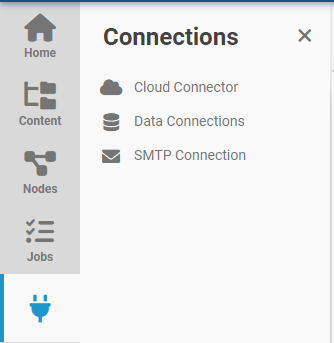
- Click on
Cloud Connectorin theConnectionsmenu.
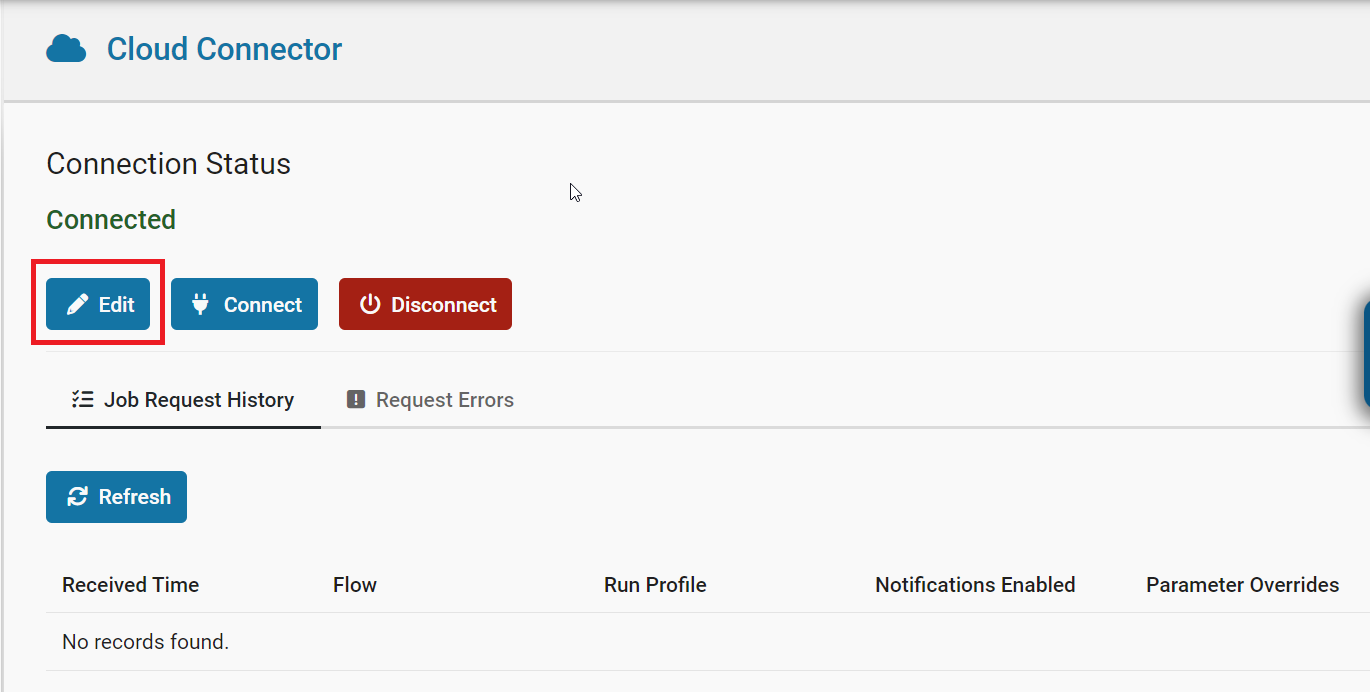
- Click on the
Editbutton.
-
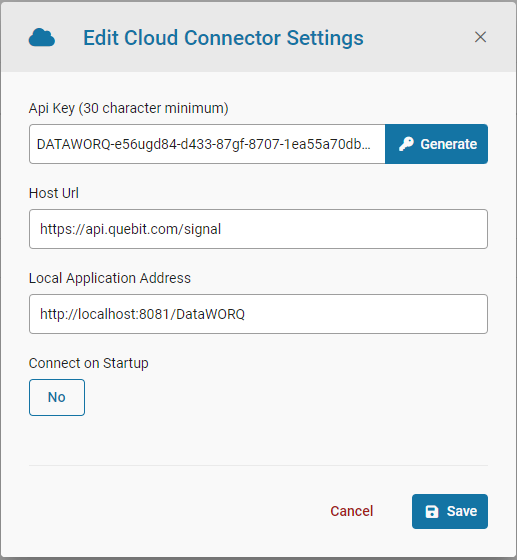
If your Api Key isn't generated click the
Generatebutton. -
Enable Connect on Startup.
-
Select
Save.
- Select
Connect.
Calling the Cloud Connector API
Please see the reference API section Cloud Connector API